
Why Websites Go Down (And How to Stop It)
Imagine your website going offline during peak business hours. You lose traffic, leads, and trust instantly. This is a common issue for small businesses that ignore proper Hosting Server Maintenance.
The good news? Most downtime is preventable.
In this guide, you’ll learn how Hosting Server Maintainance works, why it matters, and exactly how to keep your website fast, secure, and always online.
What Is Hosting Server Maintenance?
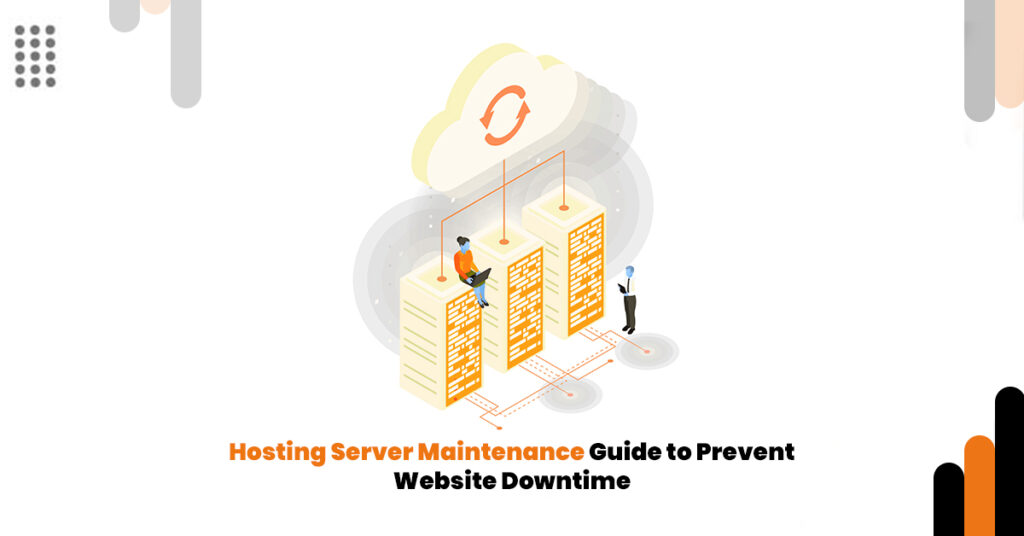
Hosting server maintenance is the ongoing process of monitoring, updating, and optimizing your server to ensure your website runs smoothly.
It includes:
- Software and security updates
- Server performance optimization
- Backup management
- Uptime monitoring
- Fixing bugs and vulnerabilities
Without it, even a well-designed website can fail.
Why Hosting Server Maintenance Is Critical
1. Prevents Costly Downtime
Even a few minutes of downtime can cost small businesses revenue and credibility. Regular maintenance ensures consistent uptime.
2. Improves Website Speed
Slow websites drive users away. Optimized servers improve loading times, which boosts SEO rankings and conversions.
3. Enhances Security
Outdated servers are easy targets for hackers. Maintenance includes patching vulnerabilities and protecting sensitive data.
4. Supports Business Growth
As your traffic grows, your server needs to scale. Maintenance ensures your hosting environment adapts to demand.
Essential Hosting Server Maintenance Checklist
1. Regular Software Updates
Keep your server OS, CMS (like WordPress), and plugins updated to avoid compatibility and security issues.
2. Daily Backups
Always maintain automated backups. If something breaks, you can restore your website quickly.
3. Performance Monitoring
Track:
- Page load speed
- Server response time
- Traffic spikes
Use tools like uptime monitors to stay proactive.
4. Security Scanning
Run regular malware scans and firewall checks to prevent attacks.
5. Database Optimization
Clean unnecessary data to improve performance and reduce server load.
Real-World Example
A small eCommerce store in the US experienced frequent crashes during sales campaigns. After implementing structured hosting maintenance:
- Website uptime improved to 99.9%
- Page speed increased by 40%
- Conversion rate grew by 25%
This shows how maintenance directly impacts revenue.
Choosing the Right Hosting & Domain Service
Not all providers offer reliable maintenance support. Look for:
- Managed hosting services
- 24/7 monitoring
- Automated backups
- Scalable infrastructure
Explore professional solutions here:
A strong hosting foundation reduces technical stress and lets you focus on growing your business.
People Also Ask
Basic monitoring should be daily, while updates and optimizations should be done weekly or monthly depending on traffic.
Yes. Cheap or unmanaged hosting often lacks proper maintenance, leading to frequent crashes.
Absolutely. It saves time, reduces risk, and ensures your website performs consistently.
Common Mistakes to Avoid
- Ignoring updates
- Not backing up data
- Choosing low-quality hosting providers
- Overloading servers without optimization
These mistakes often lead to downtime and lost customers.
Final Thoughts: Turn Your Website Into a Reliable Asset
Your website is not just an online presence it’s your digital storefront. Without proper Hosting Server Maintainance, you risk losing customers, rankings, and revenue.
Investing in a reliable Hosting & Domain Service ensures your site stays fast, secure, and always available.
Ready to upgrade your website performance?
Visit: https://digikwic.com/
Take control of your hosting today—and keep your business online, 24/7.